
Junior Inventors
Build a business website in Wix, then launch a professional WordPress site.
Website projects
- Wix Business Website
- Website Ad Creation
- WordPress Website
- AI Website Creation
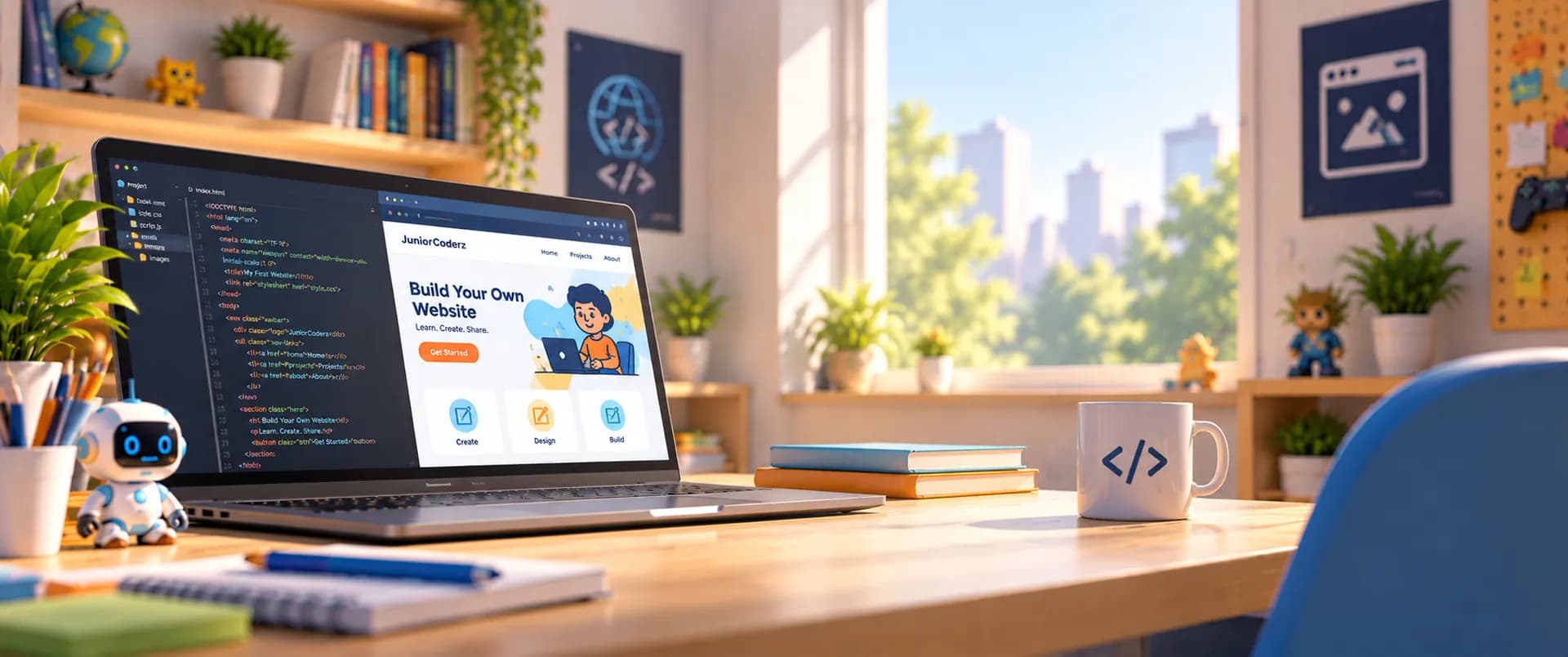
A Creative Tech Skill
Fun & Interactive Website Development Classes
Kids plan, design and launch their own websites, with real pages, branding and content, in live online classes.
Overview
Web development is building the websites we use every day. In our web development for kids program, young learners plan a site, choose a theme and layout, design a brand and logo, create pages, add images and media, and launch a real website using tools like Wix and WordPress, developing creativity, problem-solving and future-ready tech skills.
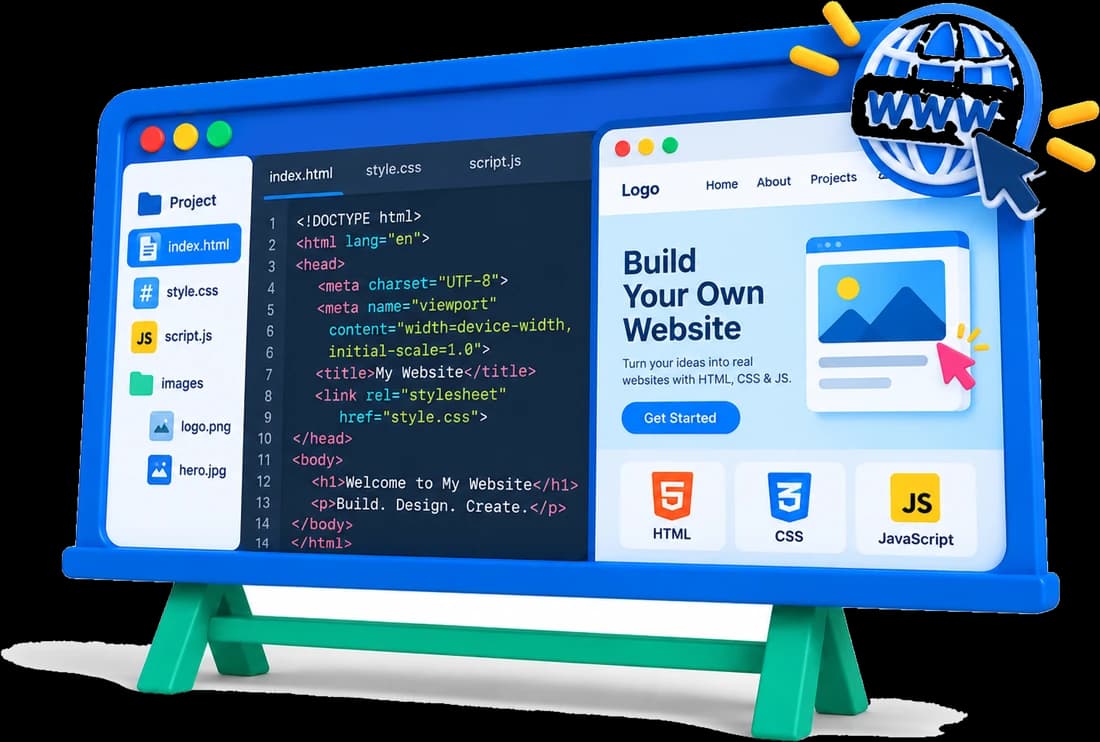
Where We Teach It
Web development is part of these programs, from a first business website to a professional launch.
Build a business website in Wix, then launch a professional WordPress site.
Website projects
Create a branded website, then build and launch a WordPress site.
Website projects
A full website project: from brainstorming and branding to launch.
Website projects
Build websites with Wix and WordPress, plus an AI website agent.
Website projects
Skills Path
Every step of building and launching a real website.
Ideas and goals
Choose a design
A look of your own
Write and organise
Make it engaging
Easy to explore
Go live
Student Creations
Kids build websites they can share with family, friends and school.
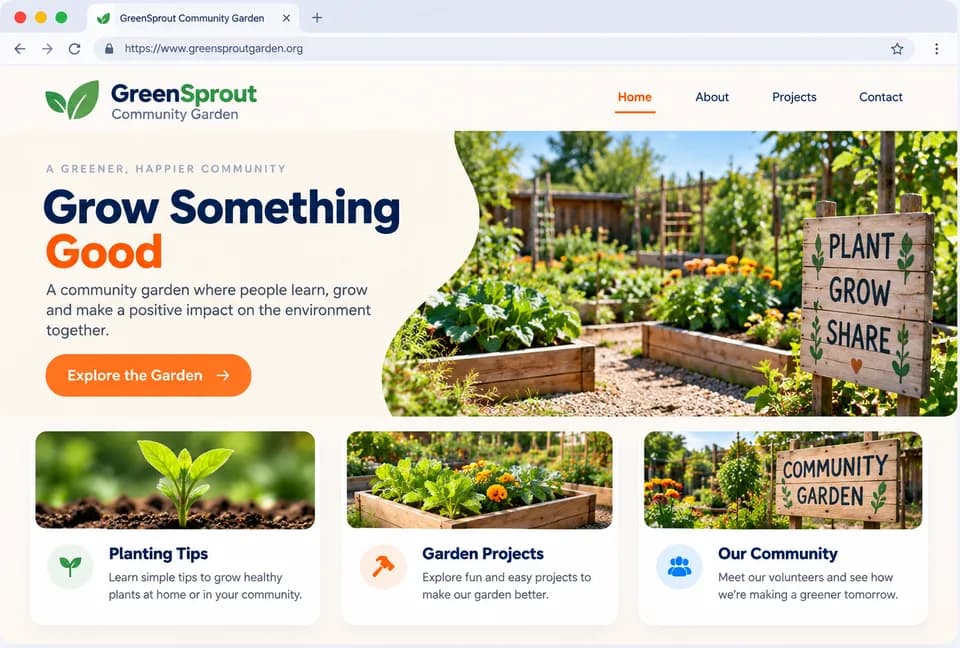
A business idea with its own website, brand and ads.
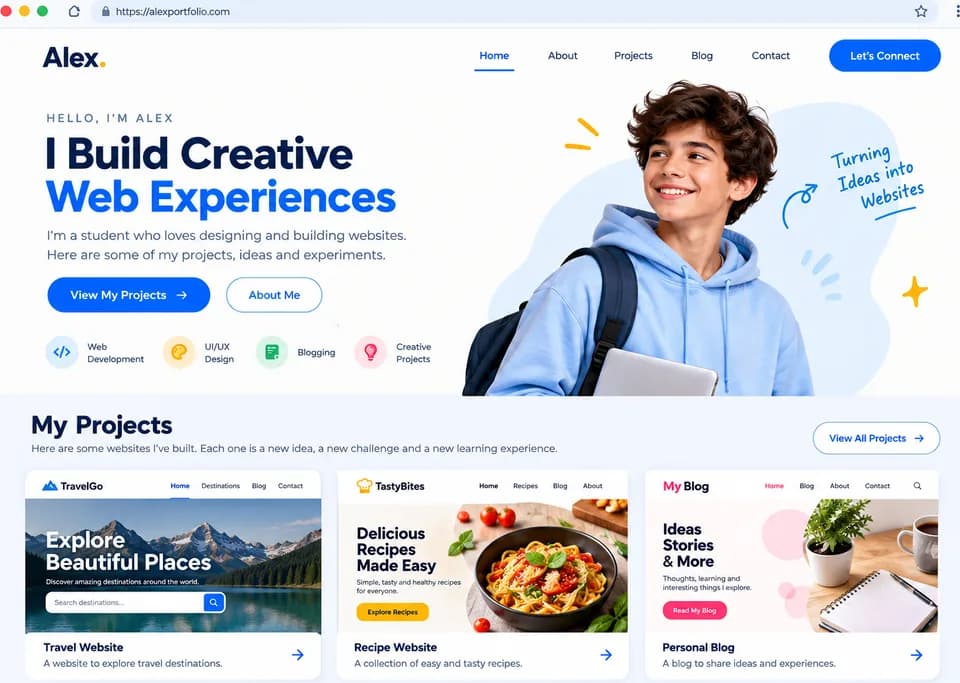
Sites that show off projects, hobbies and ideas.
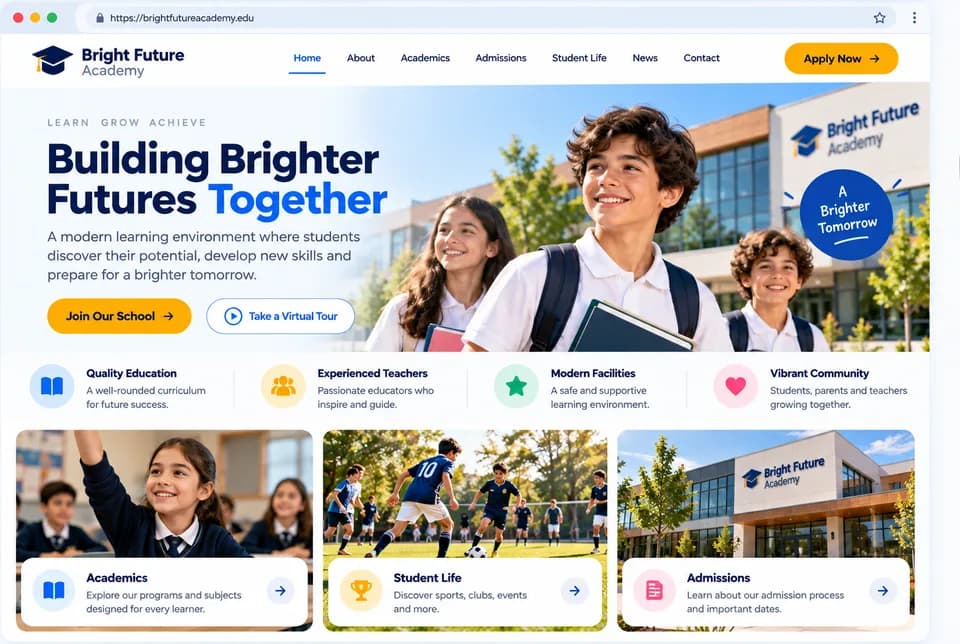
Launch a real WordPress website with pages and content.
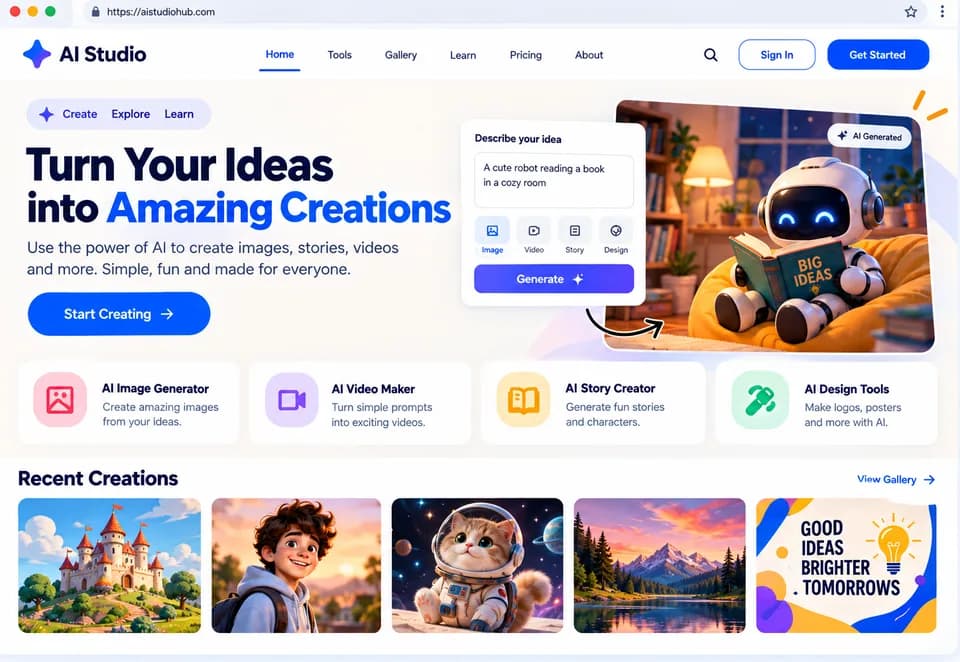
Websites created and improved with modern AI tools.
Our Approach
Kids learn by doing: every session builds part of a real website.
Our instructors are engineers who make web development fun and approachable.
Every session builds something kids can show off or use for school.
Big ideas broken into small, easy-to-follow lessons.
Quizzes, class summaries and monthly feedback keep progress on track.
Benefits
Fixing layouts and errors teaches logical thinking.
Design unique websites that showcase interests.
A foundation for careers in tech and entrepreneurship.
Launching a website is a real sense of achievement.
Web skills are used in
Join Junior Coderz and learn to build your own websites with expert engineer instructors in a fun, supportive and engaging environment.
Book a Free Trial Class
FAQs
It is learning to plan, design, build and launch websites, with pages, branding, images and navigation.
Wix and WordPress, two of the most widely used website builders, plus AI tools for creating and improving websites.
From age 8 in Junior Inventors, continuing in Code Champions (11-14), Python Hybrid (11-14) and AI Hybrid (8-16).
Yes. Students build and launch a professional website with pages, branding and real content.
Yes. Book a free 60-minute trial class, taught live by one of our engineer instructors.