
Junior Inventors
Design user-friendly screens and build simple yet functional apps.
App projects
- Quiz App
- Age Calculator
- Timer
- Spelling Bee
- Story/Recipe App
A Creative Tech Skill
Online Mobile App Making Classes
Kids design and build their own mobile apps, from quiz apps to calculators, learning app design and coding in live online classes.
Overview
App development is designing and coding the mobile apps we use every day. Our app development for kids program combines creativity, technology and hands-on learning: children use intuitive app makers like App Lab, MIT App Inventor and Thunkable to design user-friendly screens and build real apps, from quiz games to calculators, gaining confidence in technology and problem-solving.
Where We Teach It
App development is a key part of these programs, growing from simple apps to complete app projects.
Design user-friendly screens and build simple yet functional apps.
App projects
Build more complex apps with coding logic that address real-world needs.
App projects
App projects alongside Python, finishing with a complete app project.
App projects
Design apps with UI/UX principles and build them with the help of AI.
App projects
Skills Path
From how apps work to a complete app of your own.
Screens and buttons
Easy-to-use screens
Make apps respond
Variables and conditions
Images and effects
Menus and navigation
Build and share
Student Creations
Kids build apps that are fun, useful and their own.
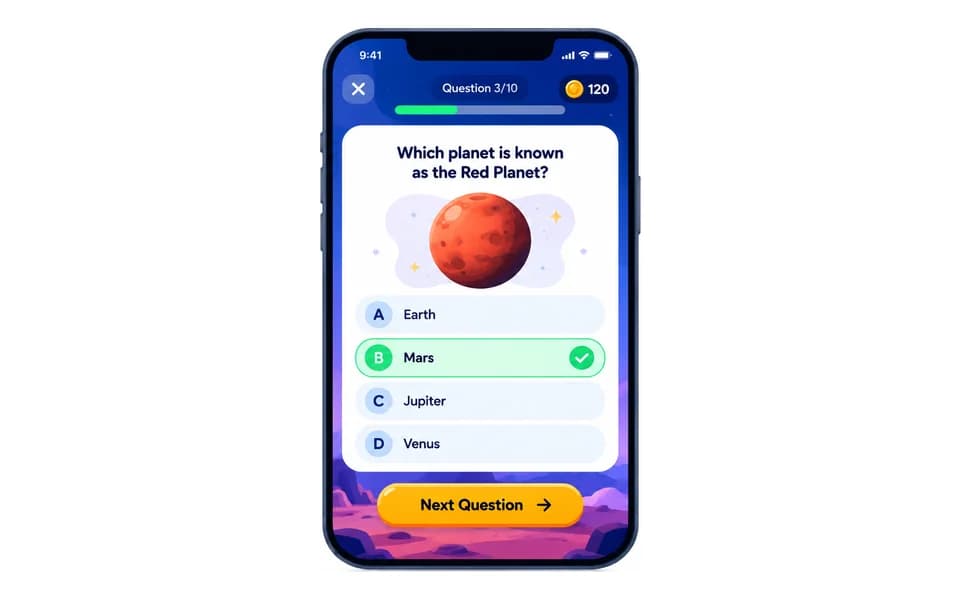
Quiz apps, spelling bees and mind games.
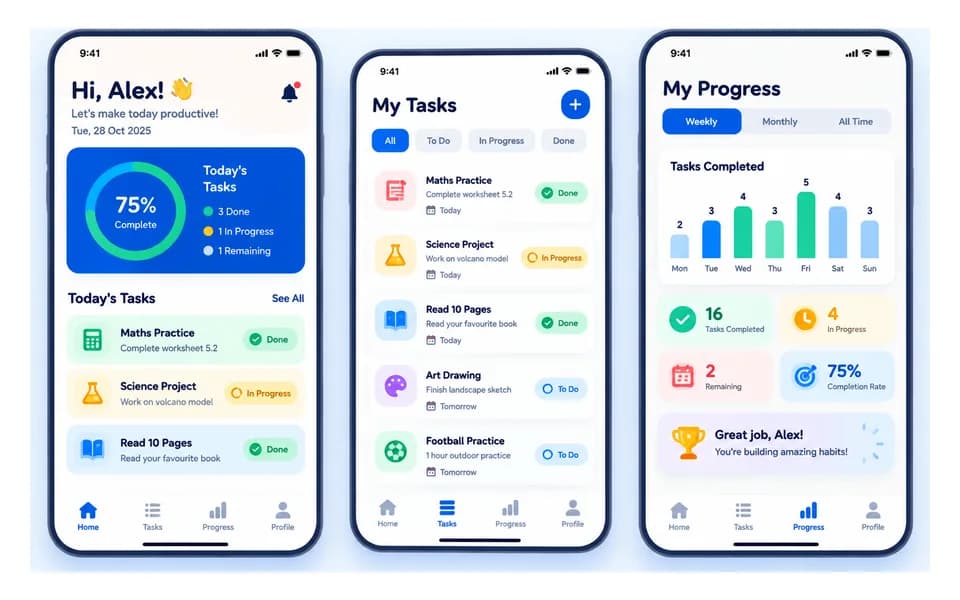
Calculators, age calculators, timers and unit converters.
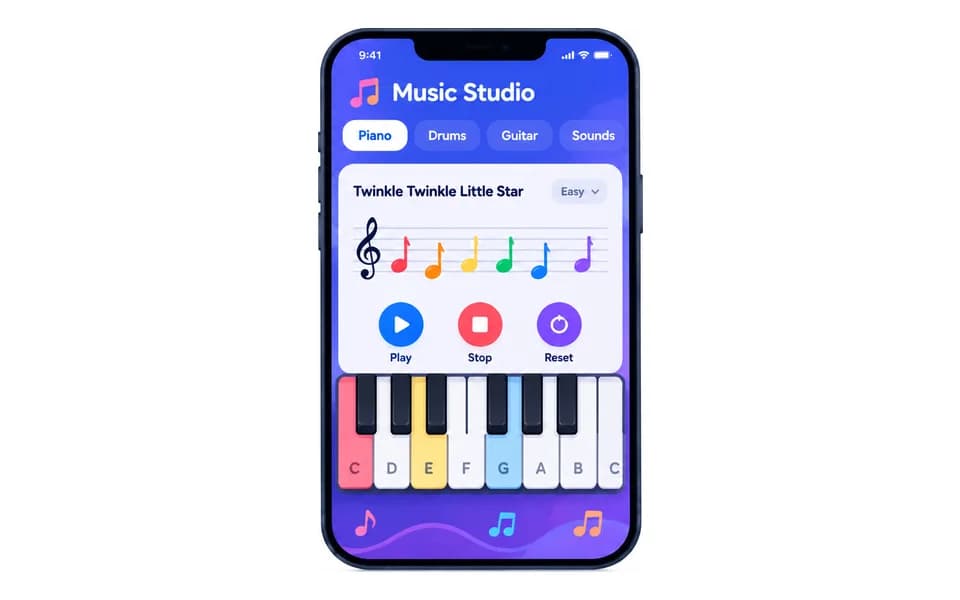
Musical instrument apps with real sounds.
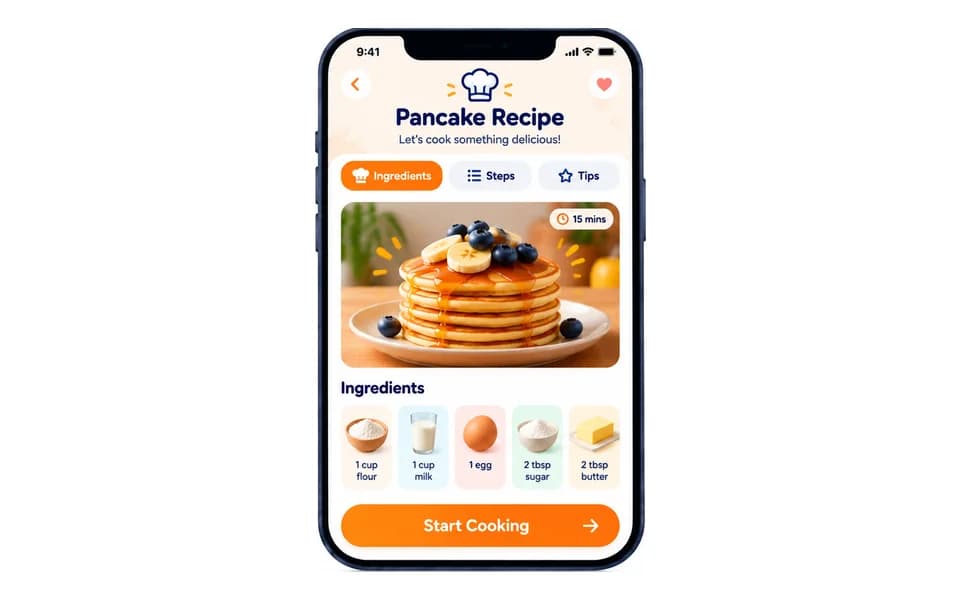
A complete app with menus, buttons and sound effects.
Our Approach
Kids learn app development by building real apps, one feature at a time.
Step-by-step guidance from our engineer instructors.
Every lesson adds a working feature to a real app.
From block-based app makers to apps that solve real problems.
Quizzes, class summaries and monthly feedback keep progress on track.
Benefits
Create meaningful apps, from games to practical tools.
Design interfaces and debug features.
Learn what makes an app easy to use.
Coding, design and entrepreneurial thinking.
App skills are used in
Student Project
Our students don’t just learn App Development: they build real projects from their very first months. Here is one of them.
Grade 3
Age Calculator
Built an age calculator app on App Lab.
See Project: Areesha’s project on YouTube (opens in a new tab)Join Junior Coderz and learn to build your own apps with expert engineer instructors in a fun, supportive and engaging environment.
Book a Free Trial Class
FAQs
It is learning to design and build mobile apps using kid-friendly app makers, with screens, buttons and code that make the app work.
App Lab, MIT App Inventor and the Thunkable app builder: beginner-friendly tools that build real, working apps.
MIT App Inventor is a free, block-based tool from MIT for building real Android apps. Kids design the screens, snap code blocks together and test the app on a phone.
From age 8 in Junior Inventors, continuing in Code Champions (11-14), Python Hybrid (11-14) and AI Hybrid (8-16).
Quiz apps, calculators, timers, unit converters, musical instruments, mind games and a complete story or recipe app.
Yes. Book a free 60-minute trial class, taught live by one of our engineer instructors.