
Tiny Techies
Start with basic computer skills and create simple Scratch games and stories.
Game & animation projects
- Scratch Basics
- Create Your Own Story
- Mouse Chase Game
- Dance Party
- Dodge the Ghost
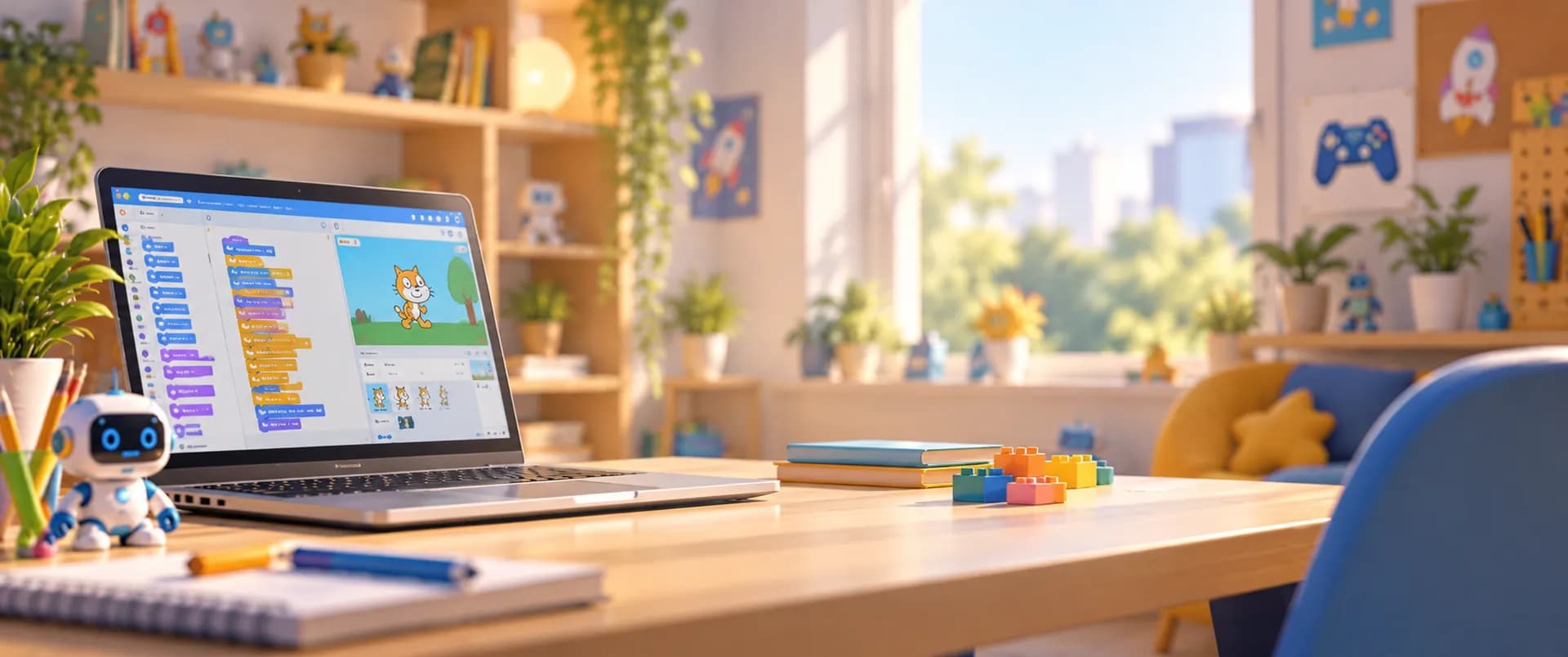
A First Coding Skill
Fun & Interactive Coding Classes for Kids
Drag-and-drop coding blocks make programming easy and fun. Kids create games, animations and interactive stories in live online classes.
Overview
Scratch is a free visual programming language from the MIT Media Lab. It uses drag-and-drop coding blocks, making Scratch programming easy for kids to learn while unleashing their creativity. With our online Scratch coding courses for kids, young learners build Scratch coding games, design animations and tell interactive stories, improving problem-solving skills through fun, hands-on projects at every skill level.
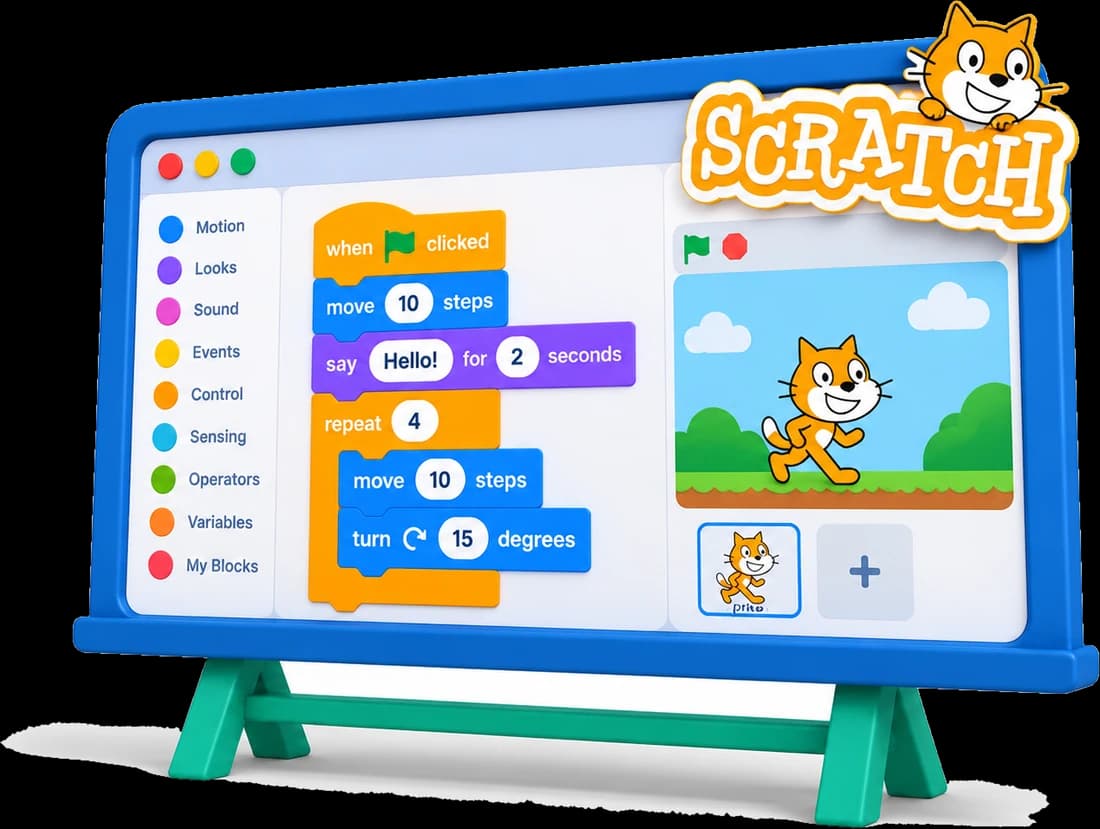
Where We Teach It
Scratch is a core focus of our younger programs, building creativity and logical thinking step by step.
Start with basic computer skills and create simple Scratch games and stories.
Game & animation projects
Explore Scratch projects combined with AI, robotics and 3D modeling for a solid tech foundation.
Game & animation projects
Dive into more advanced projects, designing complex games and animations.
Game & animation projects
Skills Path
Core block-coding concepts, learned one fun project at a time.
Drag, drop, run
Steps in the right order
Repeat with ease
Make things react
Move your sprites
If this, then that
Play and share
Student Creations
Kids turn their ideas into projects they can play and share.
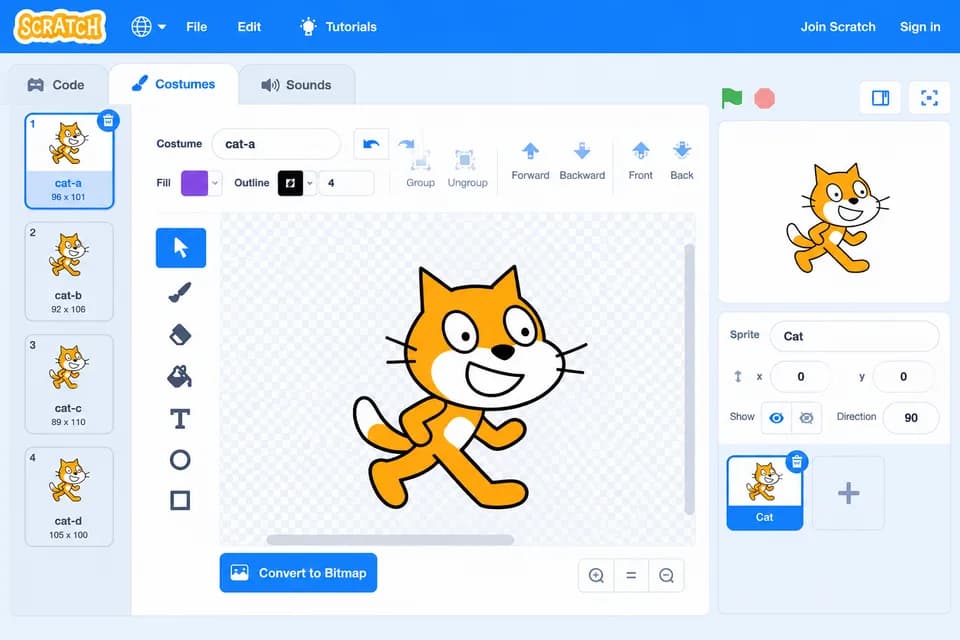
Mazes, chase games, shooters and score-based challenges.
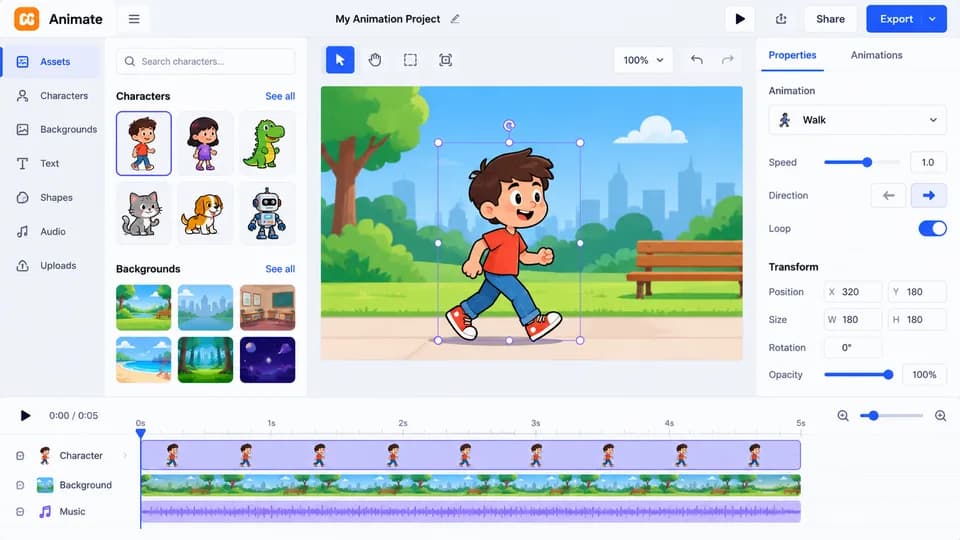
Animate favourite characters, names and dance parties.
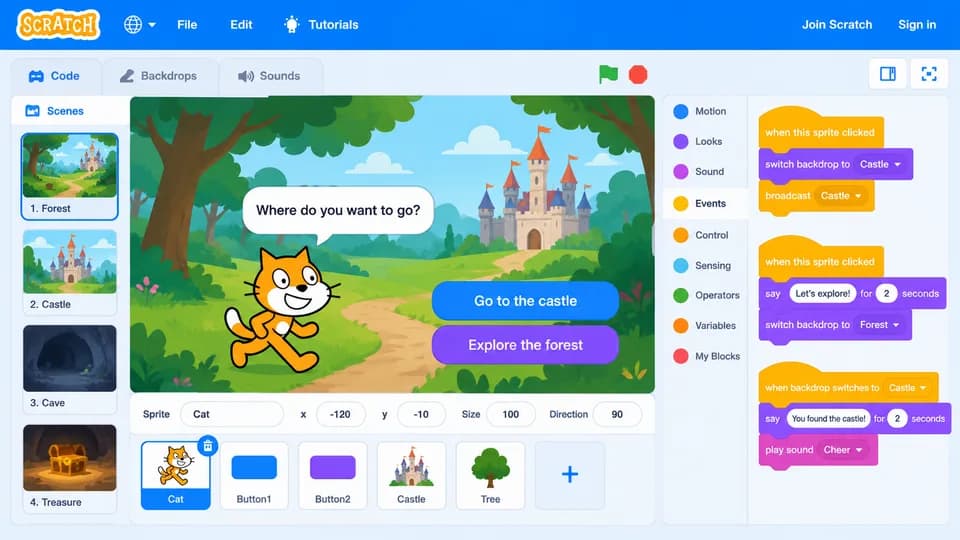
Stories where the reader chooses what happens next.
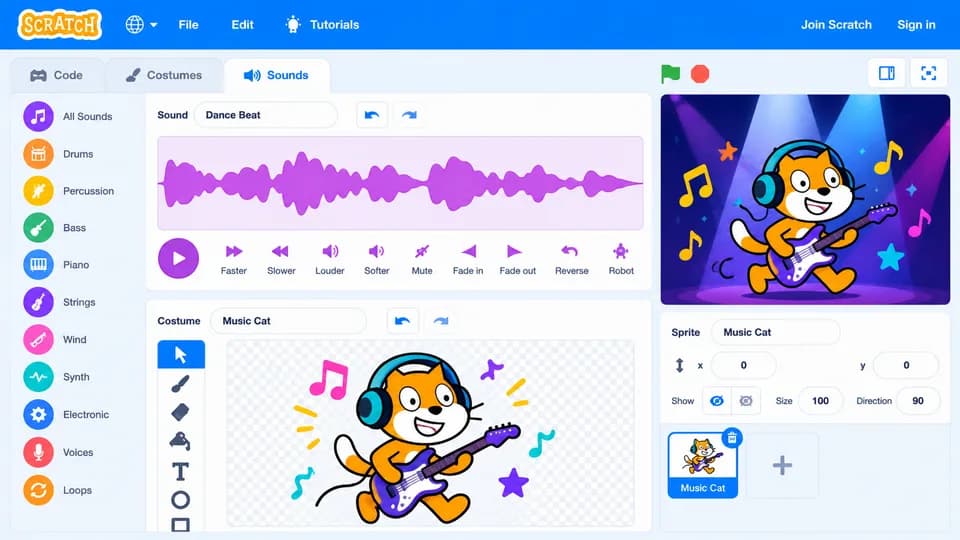
Projects with sound effects, music and drawings in code.
Our Approach
Step-by-step lessons keep kids motivated while they learn Scratch by building.
Expert instructors make coding on Scratch fun and easy to follow.
Each lesson adds one new idea, so kids always feel confident.
Every class ends with something kids made themselves.
Quizzes, class summaries and monthly feedback keep progress on track.
Benefits
Plan and design unique games and projects.
Break coding tasks into simple block-based steps.
Share ideas and learn in a friendly environment.
The perfect first step before Python and beyond.
Scratch builds the basics behind
Join Junior Coderz and learn Scratch coding with expert engineer instructors in a fun, supportive and engaging environment.
Book a Free Trial Class
FAQs
Scratch is a visual programming language where kids snap together drag-and-drop coding blocks to create games, animations and interactive stories.
Scratch is taught from age 6 in Tiny Techies, and continues in Junior Inventors (8-10) and Code Champions (11-14).
Scratch uses block-based coding: instead of typing, kids connect blocks that represent code. Programming in Scratch teaches the same logic as text languages like Python.
Yes. Kids use Scratch, the free coding tool made at MIT, so they can keep building and sharing their projects at home too.
No. Our Scratch lessons start from the very basics and build up step by step.
Yes. Book a free 60-minute trial class, taught live by one of our engineer instructors.