
Tiny Techies
First games built with simple code: clicking, dodging and scoring.
Game projects
- Dodge the Ghost
- Click to Score
- Burst the Balloon
- Mouse Chase
A Creative Tech Skill
Learn Game Coding & Design
Kids learn coding and storytelling to build their own video games, from first arcade games to full platformers, in live online classes.
Overview
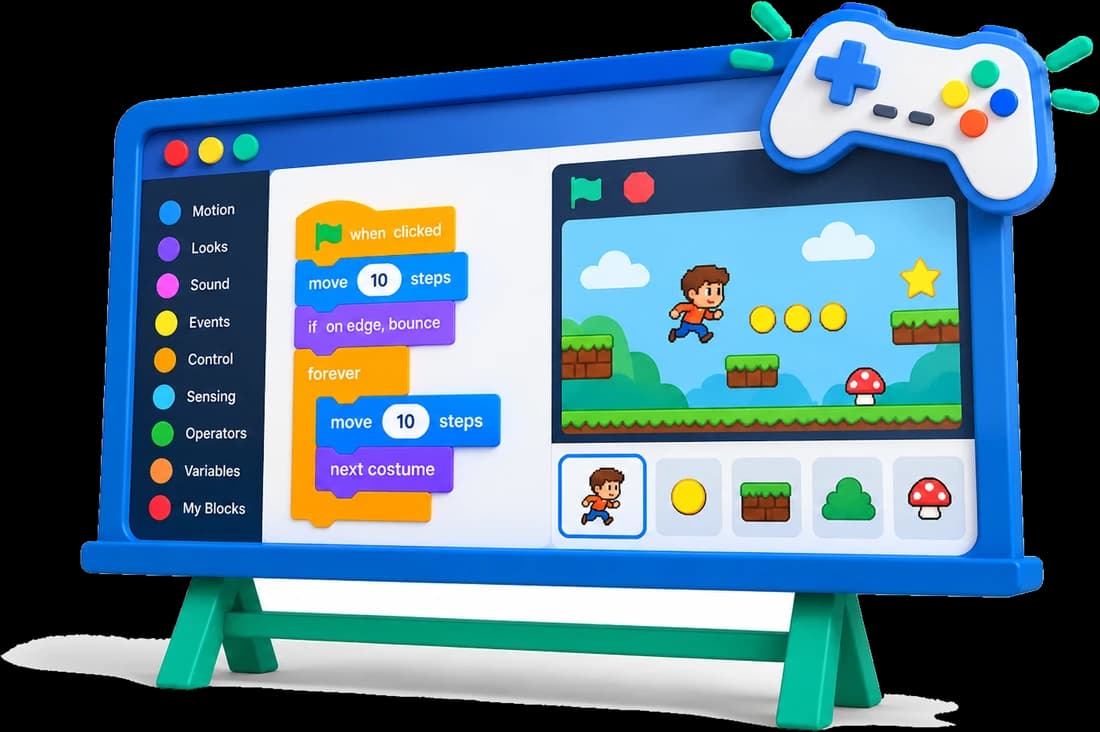
Game development for kids is more than just playing games: it is a fun way to build problem-solving, creativity and teamwork skills. In our online game development courses, kids start with beginner-friendly tools like Scratch, then move to platforms like GameFroot and Flowlab to design characters, levels and game mechanics, turning their ideas into real video games they can play and share.
Where We Teach It
Game development runs through our programs, growing from simple arcade games to complete platformers.
First games built with simple code: clicking, dodging and scoring.
Game projects
Arcade classics, then full platformer games and a Flowlab game project.
Game projects
More complex games with scoring, levels and a complete Flowlab game.
Game projects
Game projects alongside Python, finishing with a full Flowlab game.
Game projects
Skills Path
From game logic to finished, playable games.
Plan a fun game
Design and animate
Rules and controls
Keep players hooked
Build up the challenge
Fix and improve
Play and share
Student Creations
Kids build fun, shareable games while learning game coding step by step.
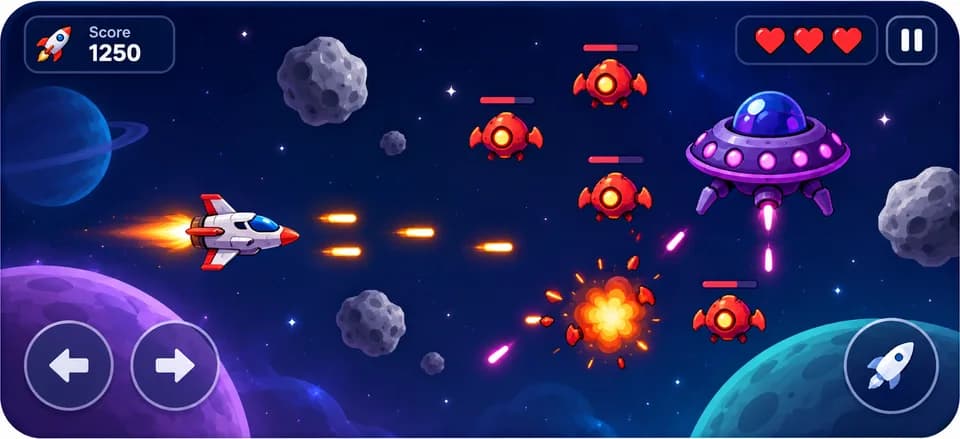
Pong, Space Shooter and Rogue Asteroid.
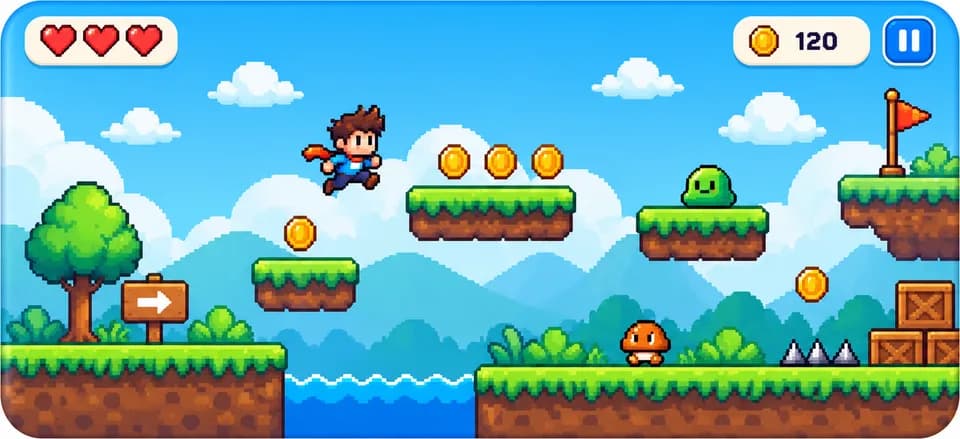
Jump-and-run levels built in GameFroot.
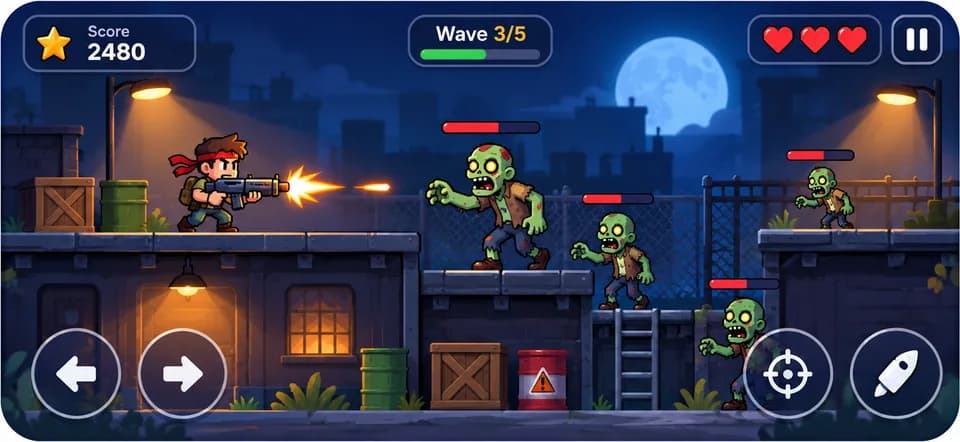
Zombie Shooter with enemies, lives and scores.
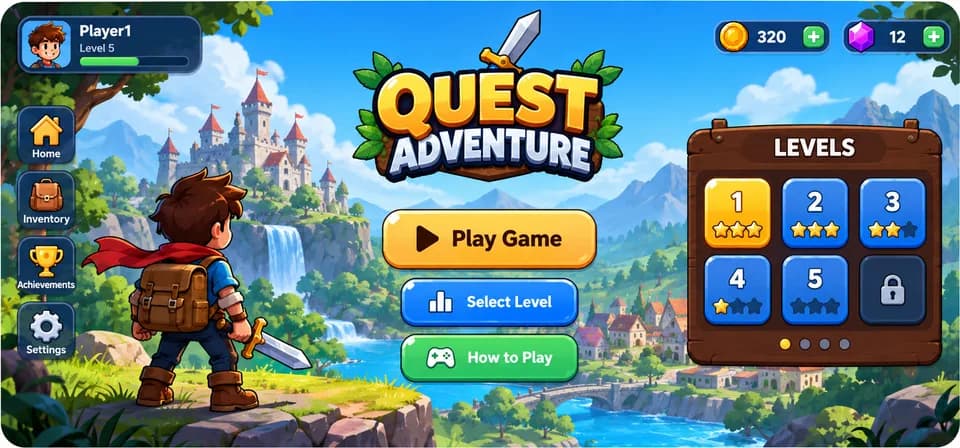
A full Flowlab game with controls, levels, scoring and animations.
Our Approach
Kids learn to code by making games they actually want to play.
Our instructors are skilled engineers who specialise in teaching game programming.
Every lesson is a game project, from the first idea to a playable result.
Start with Scratch, then move to GameFroot and Flowlab as skills grow.
Quizzes, class summaries and monthly feedback keep progress on track.
Benefits
Solve problems and craft innovative solutions.
Design characters, worlds and storylines.
Exchange ideas and refine projects with peers.
Understand how coding powers apps, games and digital tools.
Game development skills lead to
Student Project
Our students don’t just learn Game Development: they build real projects from their very first months. Here is one of them.
Grade 6
Minecraft Game
Built a Minecraft game.
See Project: Iman’s project on YouTube (opens in a new tab)Join Junior Coderz and learn to build your own games with expert engineer instructors in a fun, supportive and engaging environment.
Book a Free Trial Class
FAQs
It is learning to design and code video games: creating characters, rules, levels and scoring, using kid-friendly tools.
Kids start with Scratch, then build platformer games in GameFroot and a complete game project in Flowlab.
From age 6 in Tiny Techies, continuing in Junior Inventors (8-10), Code Champions (11-14) and Python Hybrid (11-14).
No. Beginners start with easy Scratch projects and move to more advanced tools as their skills grow.
Yes. Students aged 11 to 14 move on to full platformers and a complete Flowlab game, so game design for teens stays challenging and fun.
Yes. Book a free 60-minute trial class, taught live by one of our engineer instructors.