
Tiny Techies
Young learners take their first steps in 3D with TinkerCAD, turning simple shapes into fun creations.
3D projects
- 3D Name Design
- Character Creation
- Mini City
- Ice Cream
- Snowman
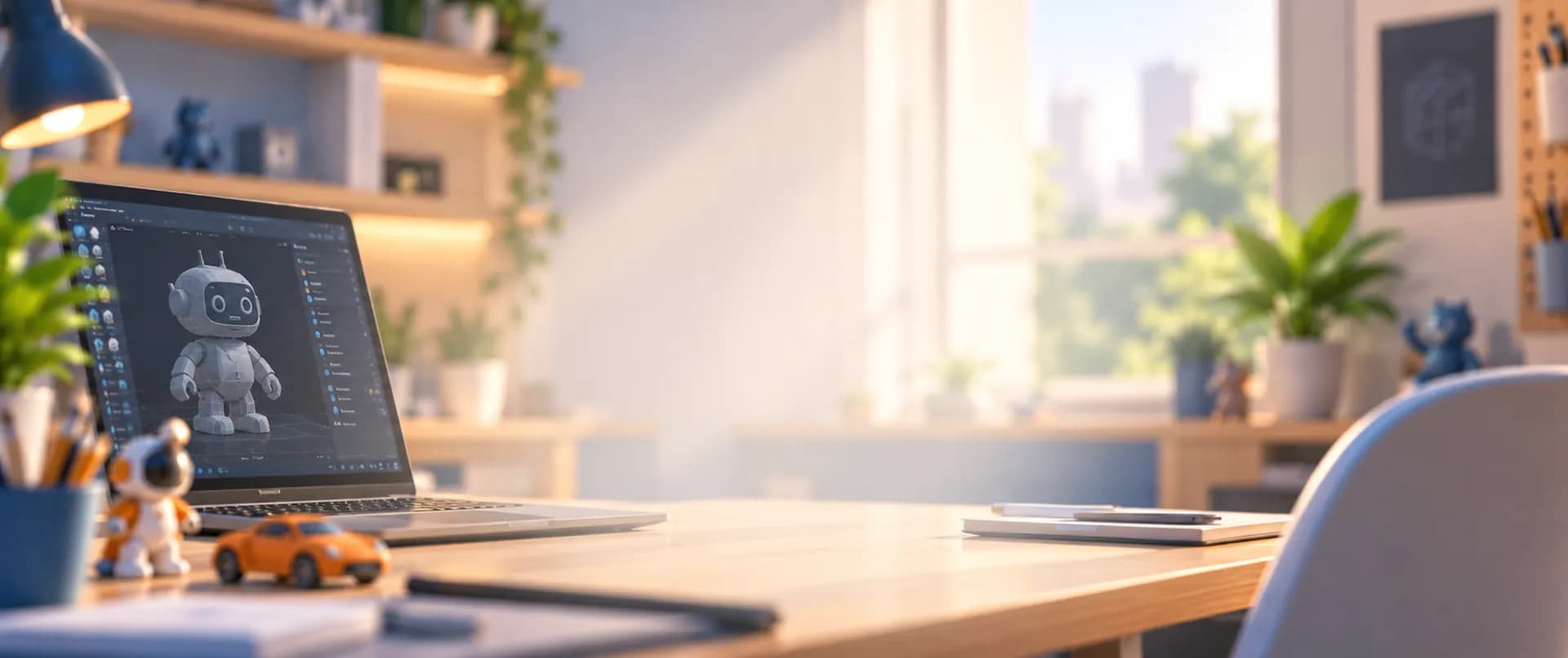
A Creative Tech Skill
Fun & Engaging Online 3D Design Classes
Learn 3D modeling step by step and bring your imagination to life. Design characters, buildings, landmarks and real-world objects in live online classes.
Overview
3D modeling for kids is the art of creating three-dimensional digital objects, the same skill used in games, animation, 3D printing, engineering and architecture. In our online 3D modeling classes, kids learn step by step in TinkerCAD, a beginner-friendly design tool, turning their ideas into characters, buildings and real-world objects through fun, hands-on projects.
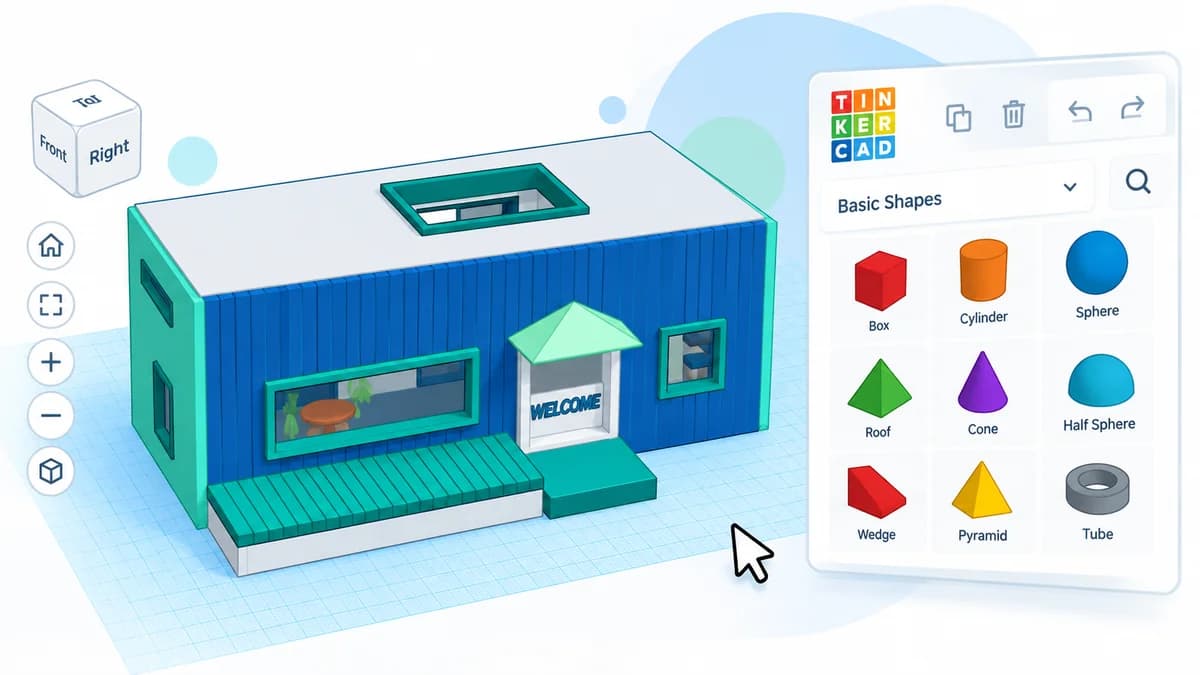
Where We Teach It
3D modeling is built into these age-specific programs, growing from first shapes to detailed models.
Young learners take their first steps in 3D with TinkerCAD, turning simple shapes into fun creations.
3D projects
Introduced to 3D modeling with TinkerCAD, building foundational skills in creativity and problem-solving.
3D projects
Students advance to more challenging TinkerCAD projects that develop technical skill and critical thinking.
3D projects
Alongside Python, students design detailed 3D models and complete a full 3D house project.
3D projects
Skills Path
From the basics to complete designs, students build essential 3D modeling skills step by step.
Width, depth and height
Boxes, cylinders, roofs
Group, align, duplicate
Measure and scale
Bring models to life
Complete models
Landmarks and homes
Student Creations
Students use their creativity to build amazing 3D projects.
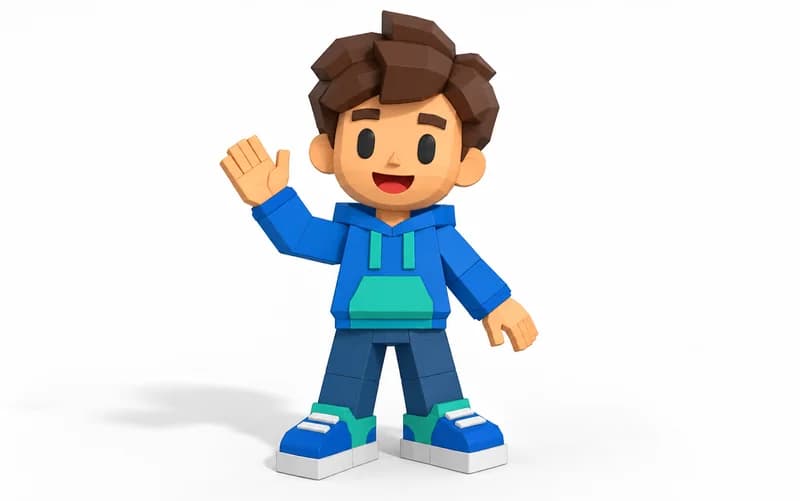
Design characters such as aliens and a Minion and bring them to life.
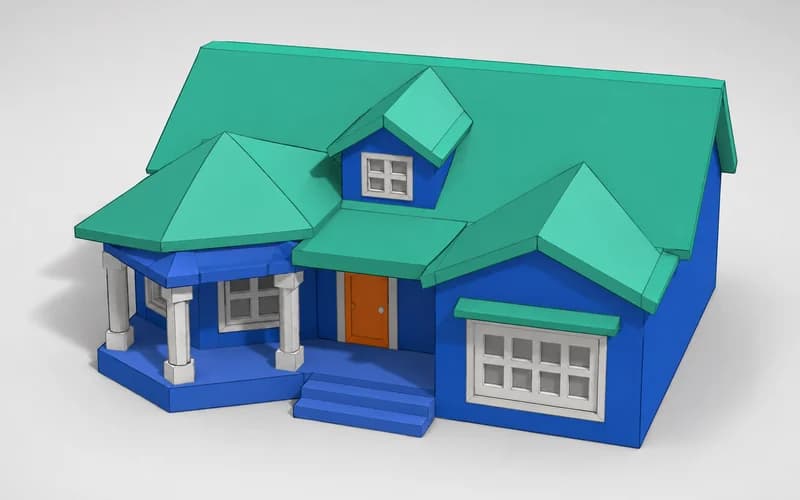
Model houses, bridges, the Taj Mahal and a full 3D house project.
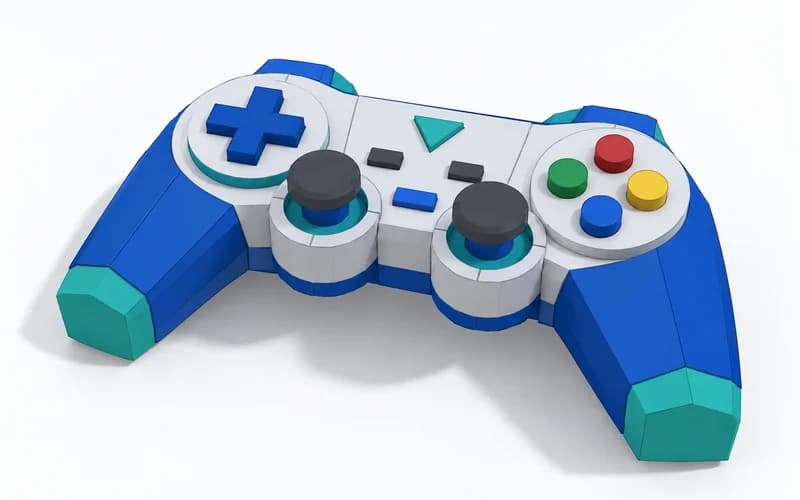
Design objects and props that could star in your own games.
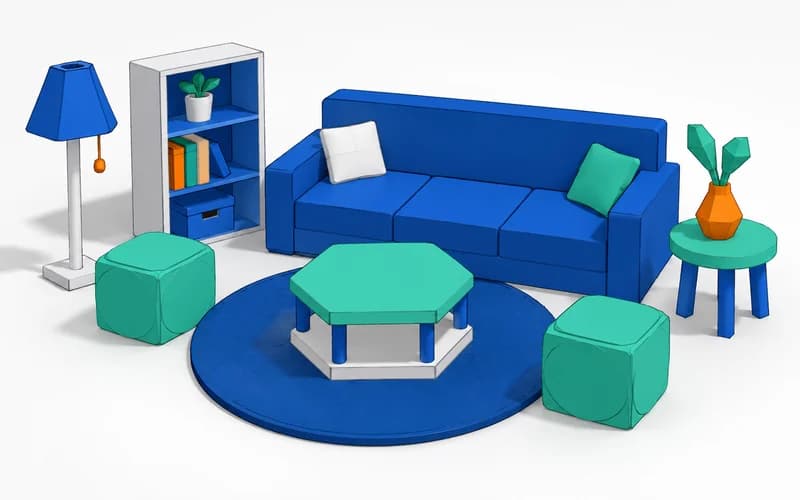
Create furniture, rooms and everyday items, down to the full interior of a house.
Our Approach
Every class is live, hands-on and designed to turn ideas into finished models.
Our instructors are skilled engineers who guide every student in real time.
Each lesson is a project: students design a complete model, from first shape to finished piece.
Truck, car and ISS design competitions challenge students to apply what they have learned.
Quizzes and class summaries after every session, plus monthly feedback, keep progress on track.
Benefits
Kids transform their ideas into real 3D designs.
Troubleshooting and refining designs sharpens critical thinking.
Valued in games, animation, engineering and architecture.
An early step towards tech-driven careers.
3D modeling is used in
Student Project
Our students don’t just learn 3D Modeling: they build real projects from their very first months. Here is one of them.
Grade 4
3D Model
Created a 3D model.
See Project: Fizza’s project on YouTube (opens in a new tab)Join Junior Coderz and learn 3D modeling with expert engineer instructors in a fun, supportive and engaging environment.
Book a Free Trial Class
FAQs
It is learning to create three-dimensional digital objects, such as characters, buildings and everyday items, with kid-friendly software like TinkerCAD.
From age 6. Tiny Techies (ages 6-7) introduces 3D design in TinkerCAD, and it continues in Junior Inventors (8-10), Code Champions (11-14) and Python Hybrid (11-14).
TinkerCAD, a beginner-friendly 3D design tool that runs in the web browser, so there is nothing to install.
No. Lessons start from the basics of 3D shapes and space and build up step by step.
Designs made in TinkerCAD can be exported in standard 3D printing formats, so students can print them on any 3D printer.
Yes. Book a free 60-minute trial class, taught live by one of our engineer instructors.