Skip to content
Email jcinfo@juniorcoderz.com

Ages 6-7

Tiny Techies Program (Ages 6-7)

Big Adventures in Coding for Little Learners

A fun and engaging introduction to coding for ages 6-7. Kids learn through games, stories and creative projects, while building confidence and important problem-solving skills.
Duration
6 Months
Age Group
6 - 7 Years
Classes
8 Classes per Month
Format
Live Online 1‑on‑1
Book a Free Trial Class
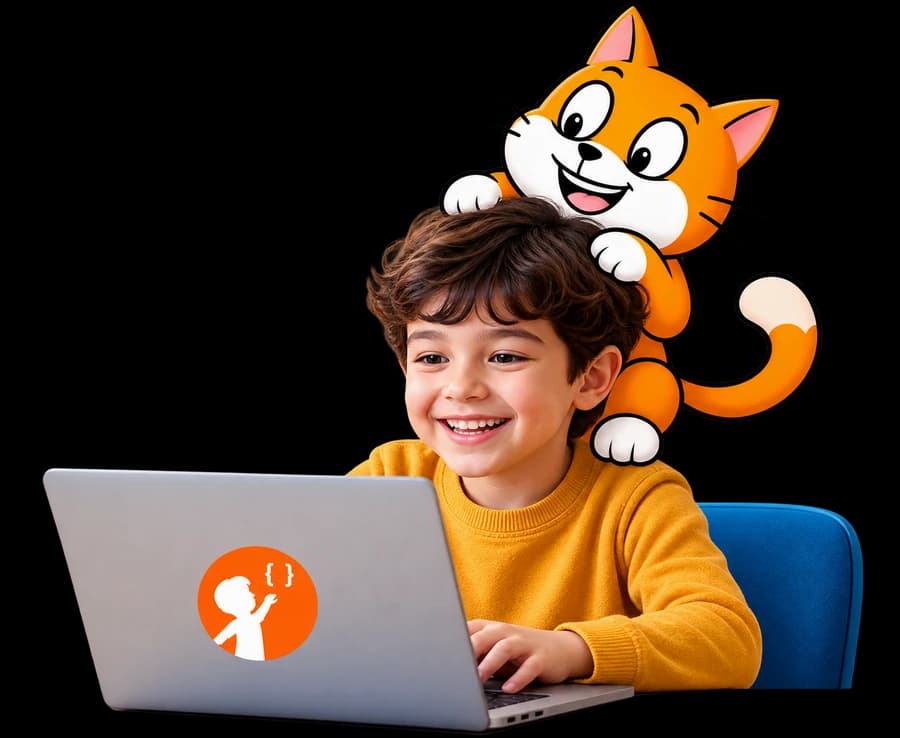
A smiling boy coding on a laptop with a friendly cartoon cat peeking over his head.
  • Games
  • Stories
  • Creativity
  • Real Skills

Curriculum

6-Month Coding Curriculum for Kids (Ages 6–7)

Our step-by-step curriculum helps kids learn coding through games, animations, and hands-on activities.

6 months48 live classes

  1. Month 1

    Month 1: Introduction to Coding & Creativity

    • Ice Age Maze – Sequencing
    • Path Finder – Logic Building
    • Scratch Interface – Basics
    • Mouse Chase Game
    • Angry Birds Coding
    • Treasure Hunt – Loops
    • Create Your Own Story/Game (Scratch)
    • AI for Oceans – Intro to AI
  2. Month 2

    Month 2: Sequencing, Loops & Problem Solving

    • CodeMonkey Jr – Sequencing Challenges
    • CodeMonkey Jr – Loops Practice
    • Linus the Lemur Activities
    • Advanced Sequencing & Loops
    • Conditional Loops
    • Introduction to Procedures
    • Beaver Achiever – Logic Practice
  3. Month 3

    Month 3: Creativity, Animation & Games

    • Artist – Drawing with Code
    • Coding Harvest – Loops Practice
    • Music Machine – Sound & Events
    • Snow Animation – Loops & Cloning
    • Animated Adventures
    • Dance Party
    • Dodge the Ghost Game
    • Click to Score Game
  4. Month 4

    Month 4: Logic Building & 3D Creativity

    • If/Else Conditions – CodeMonkey
    • Mini Coding Challenges
    • Tinkercad – 3D Name Design
    • Tinkercad – Character Creation
    • Coding Adventures
    • Tinkercad Mini City – Collaboration
  5. Month 5

    Month 5: Robotics, AI & Interactive Coding

    • Castle Crasher – VR Robotics
    • Art Canvas – Shapes & Loops
    • Code for Life – Pathfinding
    • Obstacle Course Coding
    • Loops & Repetition
    • AI Filters (Face Sensing)
    • Draw with Face (AI)
    • Face-Controlled Mini Game
  6. Month 6

    Month 6: Coding Fundamentals, 3D Design & Interactive Games

    • Navigate the Number Grid
    • Art Canvas – Patterns
    • Tinkercad Ice Cream
    • Tinkercad Snowman
    • Tinkercad Mushroom
    • Burst the Balloon Game
    • Play the Drum Activity
    • Face-Controlled Mini Game

Learning Outcomes

Skills Your Child Will Develop

  • Logical Thinking

    Solve problems step by step

  • Creativity

    Bring ideas to life through code

  • Problem Solving

    Find and fix errors independently

  • Digital Confidence

    Get comfortable with technology

  • Focus & Patience

    Stay engaged and complete tasks

  • Self Expression

    Create stories, games and animations

  • Early Coding Concepts

    Understand key programming ideas

  • Future Ready Skills

    Build a strong foundation for advanced learning

Why Parents Choose Tiny Techies

  • Designed specifically for ages 6–7
  • Fun, game-based learning approach
  • No prior experience needed
  • Learn from expert instructors
  • Interactive classes with activities
  • Strong foundation for future coding

Student Success

Made by Tiny Techies Students

FAQs

Tiny Techies: Common Questions

Does my child need any coding experience?

No prior experience is needed. Tiny Techies is designed specifically for ages 6–7 and starts from the very basics.

How long is the Tiny Techies course?

The course runs for 6 months with 48 live online classes, following a month-by-month curriculum.

What will my child use in class?

Block-based coding tools such as Scratch and CodeMonkey Jr, Tinkercad for 3D design, and beginner AI activities like AI for Oceans and face-sensing games.

What device does my child need?

A laptop or desktop with a working webcam, mic and a stable internet connection. Phones or tablets are not recommended because students cannot perform activities on them.

Can we try a class first?

Yes. Book a free 60-minute trial class, taught live by one of our engineer instructors.

Start Your Child’s Tech Journey Today

Don’t just let your child use technology — let them create with it from an early age.

Book a Free Trial Class
Next step · Ages 8–10Junior InventorsCreate, Build and Explore